Solutions

Warehouse Control System

A WMS decides what should happen. A warehouse control system makes the equipment on the floor do it. Canary7 covers both, so automation is directed by the same system that holds the orders.
Customer Films

Hear How Our Customers Use It

iMed Healthcare
Healthcare Fulfilment
Bathshack
Bathroom Retail
The Basics

What Is A Warehouse Control System?

A warehouse control system (WCS) is the layer between your software and your equipment. It takes the decision a WMS has made and makes the conveyor, sorter or storage system carry it out.
If you have no automation, you do not need one. The moment you add a conveyor, a sorter or automated storage, something has to translate "this tote goes to packing station three" into instructions the equipment understands.

Whether that layer comes from the same vendor as your WMS determines how much integration work you are signing up for, and who you call when the two disagree.
WMS Or WCS?
Warehouse Management System
Decides what should happen. Which order, which stock, which route, which priority.
Warehouse Control System
Makes the equipment do it. Conveyor diverts, sorter destinations, print and apply, storage retrieval.
What It Does

Warehouse Control System Features

Equipment Integration
Conveyors, sortation, print and apply, and storage automation directed from the order.
Scanners And Devices
Browser-based, so it runs on the hardware you already have rather than a fixed device list.
Task Orchestration
Work released to the right equipment and the right person at the right moment.
Throughput Monitoring
See where the constraint actually is before you spend money widening it.
Exception Handling
What happens when a line jams, a label fails or a tote goes missing.
One System, Not Two
No separate WCS to license, integrate and keep in step with the WMS.
Automation

Automation That Follows The Orders

Most automation projects fail at the seam between the system that holds the orders and the equipment that moves the goods. Canary7 removes that seam by holding both.
Checkmark icon
Manual and automated zones coordinated together
Checkmark icon
Hold, release and re-sequence against cut-offs
Checkmark icon
Equipment instructed from the same order record
Checkmark icon
No middleware between WMS and WCS to maintain
Checkmark icon
Manual and automated zones coordinated together
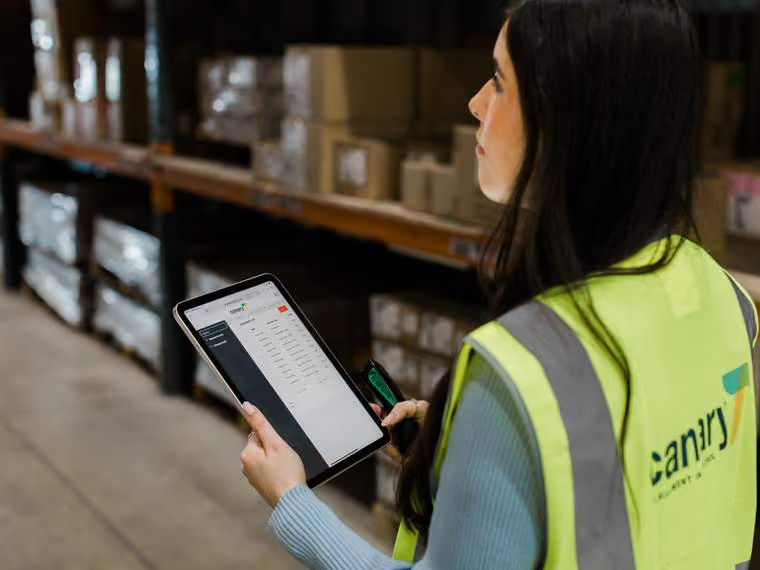
Woman in a high-visibility vest holding a tablet and scanner in a warehouse aisle with stacked boxes.
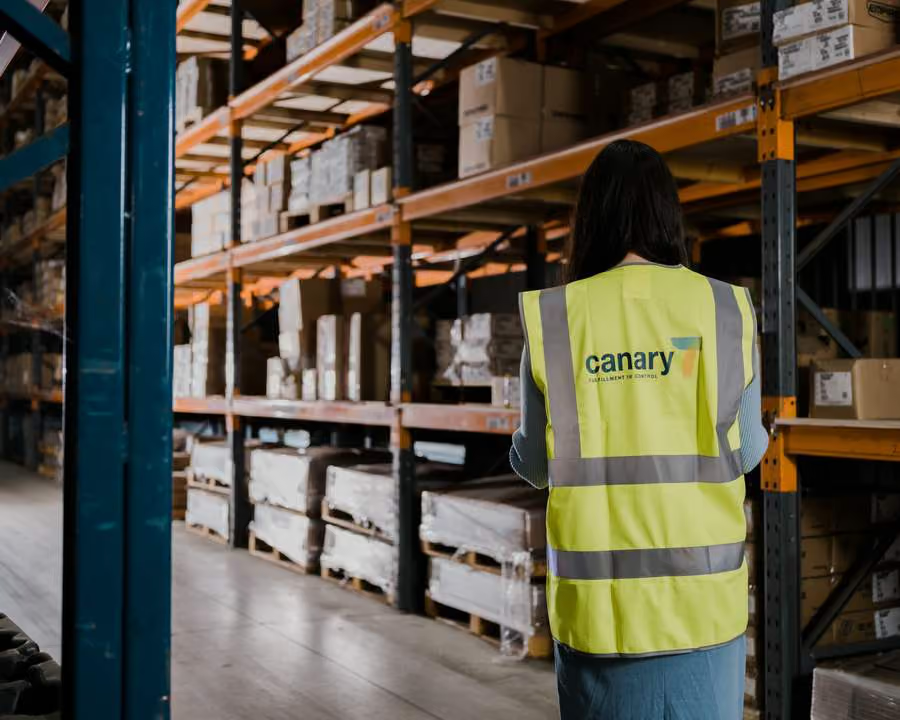
Warehouse worker in Canary7 safety vest using technology in a warehouse
Before You Automate

Find The Constraint First

Automation is expensive, and it is easy to automate the wrong thing. The reporting shows where hours and delays actually accumulate, which is usually not where people assume.
Checkmark icon
Throughput and delay measured by zone and task
Checkmark icon
Model the change before committing to equipment
Checkmark icon
An on-site evaluation if it is easier to see in person
Who It Is For

Built Around Two Kinds Of Operation

Complex 3PLs
Multiple clients under one roof, each with their own stock, rules, rate cards and SLAs.
ERP Users
Running SAP Business One, Acumatica or GenetiQ? Canary7 takes the warehouse and reports back.
FAQ

Common Questions

What is the difference between a WMS and a WCS?
Down arrow icon

A warehouse management system decides what work should happen and in what order. A warehouse control system drives the equipment that carries it out. Canary7 covers both, so there is no integration between the two to build or maintain.

Do we need automation to use Canary7?
Down arrow icon

No. Most customers run manual or semi-automated operations. The control layer matters when you add equipment, and it means you are not choosing a second vendor at that point.

What equipment do you connect to?
Down arrow icon

Scanners and mobile devices, print and apply, conveyors, sortation and storage automation. Tell us what is on your floor or what you are considering and we will confirm.

Can we automate one zone and leave the rest manual?
Down arrow icon

Yes, and most operations do. Manual and automated zones are coordinated by the same system rather than run separately.

How do we know automation is worth it?
Down arrow icon

Start with the reporting. It shows where the delays actually are, which is often not where people expect. An on-site evaluation is usually the fastest way to be sure.

Book a demo

Book Your Free Demo Today

Thirty minutes, built around your warehouse and how it actually runs. Bring your most complicated client setup or your ERP requirement, and we'll show you how Canary7 handles it.
Checkmark icon
A walkthrough of your workflows, not a generic tour
Checkmark icon
Straight answers on what integrating your ERP involves
Checkmark icon
Realistic timelines and pricing before the call ends
Thank you! Your submission has been received!
Oops! Something went wrong while submitting the form.

We'll Come And Walk Your Floor

Some operations make more sense in person than on a call. We carry out on-site evaluations across Ireland, the UK and North America — walking your process with you, seeing where the time goes, and telling you what we'd actually change.

Tell us about your operation and we'll let you know whether a visit makes sense.
Enquire About A Site Visit
Before You Go

See Canary7 On Your Own Operation

Thank you! Your submission has been received!
Oops! Something went wrong while submitting the form.